The Ultimate Shopify Store Launch Checklist (50 Items)
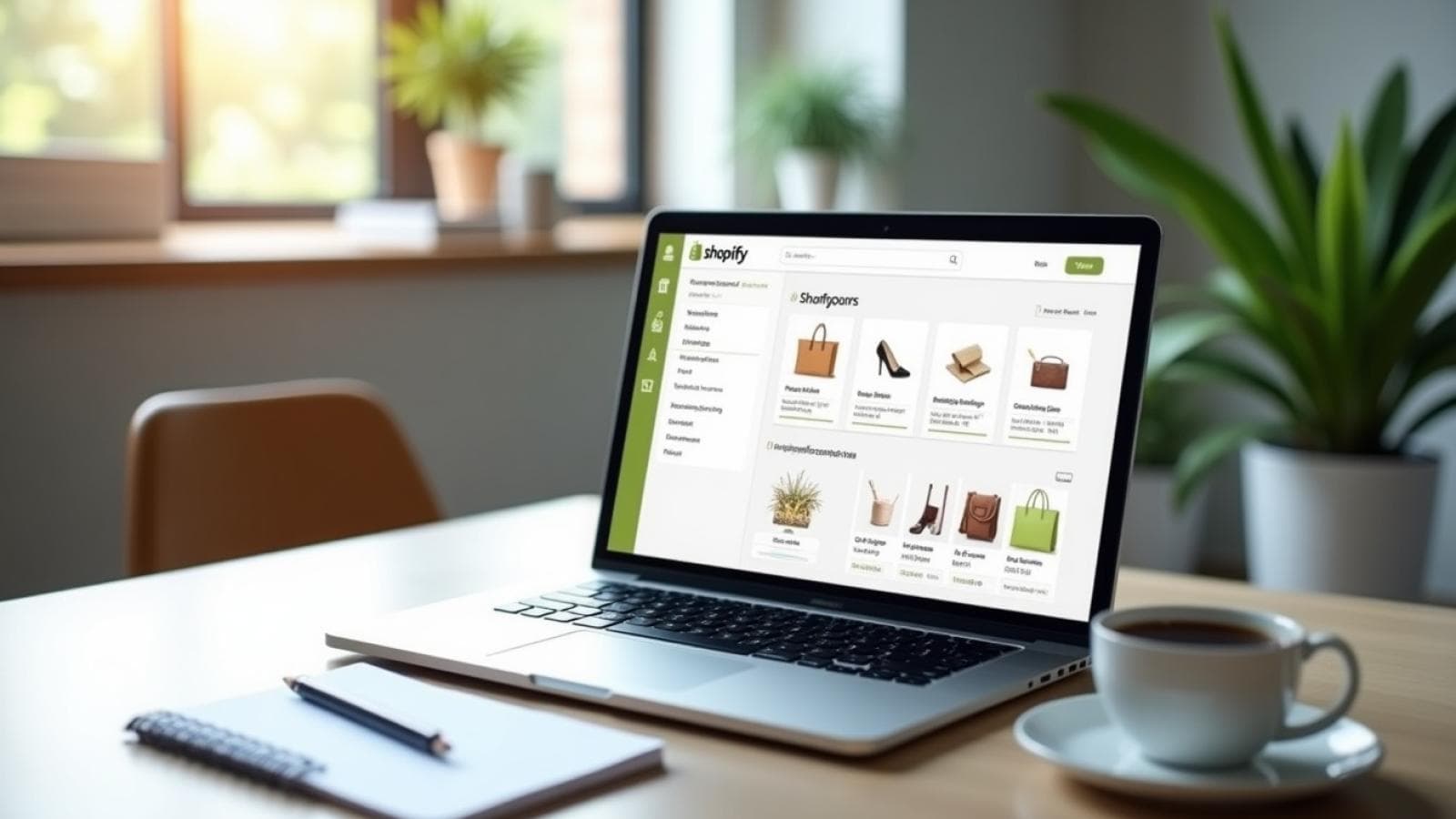
At Prateeksha Web Design, we understand that launching an online store can feel like a daunting task. With over a decade of experience in eCommerce solutions, we have crafted this ultimate Shopify store launch checklist to aid you in navigating the complexities of setting up your store. This guide covers 50 essential items, categorized into beginner, intermediate, and advanced stages to ensure you have all the tools necessary for a successful launch.
Executive Summary
At Prateeksha Web Design, we understand that launching an online store can feel like a daunting task. With over a decade of experience in eCommerce solutions, we have crafted this ultimate Shopify store launch checklist to aid you in navigating the complexities of setting up your store. This guide covers 50 essential items, categorized into beginner, intermediate, and advanced stages to ensure you have all the tools necessary for a successful launch.
Chapter 1: Getting Started with Shopify
1. Choose Your Shopify Plan
The first step in your Shopify journey is selecting the right plan that aligns with your business goals. Shopify offers various plans, from Basic to Advanced. As a new store owner, we recommend starting with the Basic plan to test the waters before scaling up.
2. Set Up Your Shopify Account
Once you've chosen a plan, it’s time to create your Shopify account. This process is straightforward and involves entering your email, creating a password, and naming your store.
3. Select a Domain Name
Your domain name is your store's online identity. Choose a name that reflects your brand and is easy to remember. We suggest checking the availability of your desired domain through Shopify's built-in tool.
Chapter 2: Designing Your Store
4. Choose a Theme
Shopify offers a range of free and paid themes. Select a theme that resonates with your brand and provides a seamless user experience. Keep in mind that your theme should be mobile-responsive.
5. Customize Your Theme
After selecting a theme, customize it to reflect your brand identity. Use your brand colors, fonts, and logo. This personalization helps establish trust and recognition with your audience.
6. Create Essential Pages
At a minimum, your store should include the following pages:
- Home
- About Us
- Contact Us
- Privacy Policy
- Terms of Service
- Shipping and Returns
Chapter 3: Adding Products
7. Source Your Products
Decide whether you’ll be dropshipping, manufacturing, or reselling products. Research suppliers and ensure they align with your brand values and quality standards.
8. Add Product Listings
When adding products, include high-quality images, detailed descriptions, and pricing. Use SEO-friendly titles and descriptions to enhance visibility. Include keywords relevant to your products to attract organic traffic.
9. Set Up Collections
Organizing products into collections makes it easier for customers to navigate your store. Consider categories like 'New Arrivals', 'Best Sellers', or 'Seasonal Offers'.
Chapter 4: Payment and Shipping
10. Configure Payment Gateways
Shopify supports various payment gateways such as Shopify Payments, PayPal, and Stripe. Choose the gateways that best serve your target audience and provide a seamless checkout experience.
11. Set Up Shipping Options
Define your shipping strategy. Will you offer free shipping, flat rate, or calculated rates? Ensure your shipping policies are clear and easily accessible on your site.
12. Implement Tax Settings
Understand the tax requirements for your business based on your location and the locations you sell to. Shopify provides tools to automatically calculate taxes based on your settings.
Chapter 5: Marketing Your Store
13. Optimize for SEO
SEO is essential for driving organic traffic. Optimize your product titles, descriptions, and images. Use tools like Google Keyword Planner to find relevant keywords.
14. Set Up Social Media Accounts
Social media is a powerful marketing tool. Create accounts on platforms where your target audience is active. Regularly post engaging content to build your brand's online presence.
15. Start Email Marketing
Email marketing can nurture your audience and drive sales. Use tools like Mailchimp or Klaviyo to set up automated email campaigns for abandoned carts, promotions, and new product launches.
Chapter 6: Launching Your Store
16. Test Your Store
Before launching, thoroughly test your store. Check for broken links, test the checkout process, and ensure all pages load correctly. Ask friends or family to navigate your store and provide feedback.
17. Launch with a Marketing Push
Plan a launch strategy. Consider offering a limited-time discount or free shipping for the first few days post-launch. Use social media and email marketing to create buzz around your launch.
18. Monitor Your Launch
After launching, monitor your store's performance using analytics tools. Track traffic, sales, and customer behavior. This data will help us refine our strategy moving forward.
Chapter 7: Post-Launch Strategies
19. Gather Customer Feedback
Encouraging customers to leave reviews can significantly impact your store's credibility. Use surveys or follow-up emails to gather feedback and make necessary adjustments.
20. Analyze Performance Metrics
Review key performance indicators (KPIs) such as conversion rate, average order value, and customer acquisition cost. Understanding these metrics will help us optimize our marketing strategies.
Chapter 8: Advanced Strategies for Growth
21. Implement Retargeting Campaigns
Retargeting helps us reach customers who have previously visited your site but did not make a purchase. Use platforms like Google Ads and Facebook Ads to create retargeting campaigns.
22. Explore Affiliate Marketing
Affiliate marketing can expand your reach without upfront costs. Partner with influencers and bloggers who align with your brand to promote your products.
23. Consider Expanding Product Lines
Once your store is established, consider expanding your product lines. Conduct market research to identify trends and customer demands, and adjust your offerings accordingly.
Chapter 9: Building a Strong Brand Identity
24. Define Your Unique Selling Proposition (USP)
Your Unique Selling Proposition (USP) is what sets your store apart from competitors. Identify the benefits that your products offer, which can be price, quality, exclusivity, or customer service. Communicating a clear USP helps customers understand why they should choose your store over others.
For example, if you sell eco-friendly products, your USP could be "100% sustainable materials sourced responsibly." Highlighting this on your homepage and product pages can significantly influence purchasing decisions.
25. Create a Compelling Brand Story
Storytelling can create an emotional connection with your audience. Share your journey, values, and mission behind your brand. This connection not only enhances brand loyalty but also encourages customers to spread the word about your store.
Consider brands like TOMS, which built their reputation on a mission of social responsibility. By integrating your story into your marketing materials, you can foster a community around your brand.
Chapter 10: Enhancing User Experience (UX)
26. Optimize Site Navigation
A seamless navigation experience is crucial for retaining customers. Ensure that your menu is clear and categories are well-defined. A user-friendly layout allows customers to find what they need quickly, reducing bounce rates and increasing sales.
- Use descriptive titles for product categories.
- Implement a search bar with auto-suggestions.
- Consider adding filters for product attributes like size, color, and price.
27. Improve Page Load Speed
Page load speed is a crucial factor in user experience and SEO. A delay of just a few seconds can lead to lost sales. Use tools like Google PageSpeed Insights to analyze your site’s performance and follow recommendations to improve load times.
Examples include optimizing image sizes, reducing server response time, and leveraging browser caching. A faster site enhances user satisfaction and can positively impact your search rankings.
Chapter 11: Customer Engagement Strategies
28. Implement Live Chat Support
Offering live chat support can significantly enhance customer service. It allows for immediate assistance, which can be the difference between a sale and an abandoned cart. Choose a live chat tool that integrates seamlessly with Shopify, such as Zendesk or Tidio.
Research shows that websites with live chat options increase customer engagement rates by up to 40%. This instant communication can help resolve queries and build trust with potential buyers.
29. Leverage User-Generated Content (UGC)
Encourage customers to share their experiences with your products through social media or reviews. User-generated content serves as social proof, enhancing your brand’s credibility.
Feature UGC on your product pages or social media accounts to showcase real customer experiences. This not only engages your audience but also motivates other customers to share their own content, creating a cycle of engagement.
Chapter 12: Analyzing Competitors
30. Conduct a Competitor Analysis
Understanding your competition is essential for refining your strategy. Analyze your competitors’ strengths, weaknesses, pricing models, and marketing tactics. Tools like SEMrush and Ahrefs can help you gain insights into their SEO strategies and keyword performance.
Identify gaps in the market that your competitors may not be addressing, allowing you to position your store effectively. For instance, if competitors offer similar products but lack customer service, you can emphasize your superior support in your marketing efforts.
31. Monitor Industry Trends
Stay updated on industry trends and consumer behavior. Regularly review reports from sources like Statista or eMarketer to identify emerging trends that could impact your business.
For example, if there is a growing trend in sustainable products, consider expanding your offerings in that area. Adapting to trends can help keep your store relevant and appealing to customers.
Chapter 13: Scaling Your Shopify Store
32. Automate Repetitive Tasks
As your store grows, automating repetitive tasks can save you time and resources. Use Shopify apps to automate inventory management, email marketing, and customer follow-ups. Tools like Zapier can connect different applications to streamline processes.
For example, integrating your Shopify store with a fulfillment service can automate order processing, allowing you to focus on strategic growth instead of day-to-day operations.
33. Expand to New Markets
Once you establish your brand locally, consider expanding to new markets. Research international shipping options and cultural preferences in your target countries. Adapting your marketing strategies to cater to different demographics can open up new revenue streams.
For instance, if you sell fashion items, consider seasonal variations in style preferences when entering markets with different climates.
Chapter 14: Leveraging Analytics for Continuous Improvement
34. Utilize Google Analytics
Integrating Google Analytics with your Shopify store can provide invaluable insights into customer behavior and traffic sources. This powerful tool allows you to track metrics such as user demographics, session duration, and conversion rates. Understanding these metrics can help you make data-driven decisions to enhance your marketing strategies and user experience.
For example, if you notice a high bounce rate on specific pages, it may indicate that the content is not resonating with your audience. Use this information to optimize those pages with better visuals, content, or calls-to-action.
35. Implement Heat Mapping Tools
Heat mapping tools like Hotjar and Crazy Egg can visualize where users are clicking on your site. This data reveals which elements attract attention and which are ignored, allowing you to optimize layout and design. For instance, if a prominent button is receiving little engagement, you might consider changing its
Conclusion
Launching and managing a successful Shopify store is an ongoing process that requires attention to detail and a willingness to adapt. By focusing on building a strong brand identity, enhancing user experience, engaging with customers, analyzing competitors, and scaling effectively, you position your store for long-term success.
At Prateeksha Web Design, we are committed to providing you with the tools and insights necessary to thrive in the eCommerce landscape. Embrace these strategies, continuously refine your approach, and watch your Shopify store flourish.
Conclusion
Launching a successful Shopify store requires careful planning and execution. With our ultimate checklist, you can navigate each step with confidence. At Prateeksha Web Design, we are dedicated to supporting your eCommerce journey, offering our expertise to ensure your store thrives. Remember, the key is to stay adaptable, continuously analyze your performance, and never hesitate to reach out for help. Together, we can make your Shopify store a success.
Resources
For more insights and support, visit our website at Prateeksha Web Design.
How far in advance should I start preparing for a Shopify launch?
Start with the foundational chapters: plan selection, domain, theme, and essential pages (Home, About, Contact, Privacy Policy, Terms, Shipping and Returns), well before a target date, since payment gateways, shipping rules, and tax settings each need testing time before go-live.
What should I check on launch day itself?
Thoroughly test the store first: check for broken links, run through the full checkout process, and confirm every page loads correctly, ideally with friends or family navigating it as a first-time visitor would before you announce the launch publicly.
Does the checklist cover what to do if something goes wrong after launch?
The checklist's "Monitor Your Launch" step calls for tracking traffic, sales, and customer behavior with analytics tools immediately after going live, so problems are caught from real usage data rather than assumed to be fine.
What should happen in the weeks right after launch?
Post-launch strategy items include gathering customer feedback through surveys or follow-up emails and analyzing performance metrics like conversion rate, average order value, and customer acquisition cost to guide the next round of improvements.