Shopify Just Launched Canvas AI: Will Businesses Still Need Shopify Developers in 2027?
Short answer: I expect businesses will still need Shopify developers in 2027, although the work, and the way people decide to buy it, will change. That is my analysis of what Shopify has published so far, not a prediction I can guarantee.
Short answer: I expect businesses will still need Shopify developers in 2027, although the work, and the way people decide to buy it, will change. That is my analysis of what Shopify has published so far, not a prediction I can guarantee.
A note before I start: this is an opinion piece. I haven't used Canvas on a client store, so I'm not sharing test results, screenshots or client stories. Everything I say about what Canvas does comes from Shopify's own announcement and documentation, linked below. Everything else is my reasoning.
What Canvas is, and what to call it
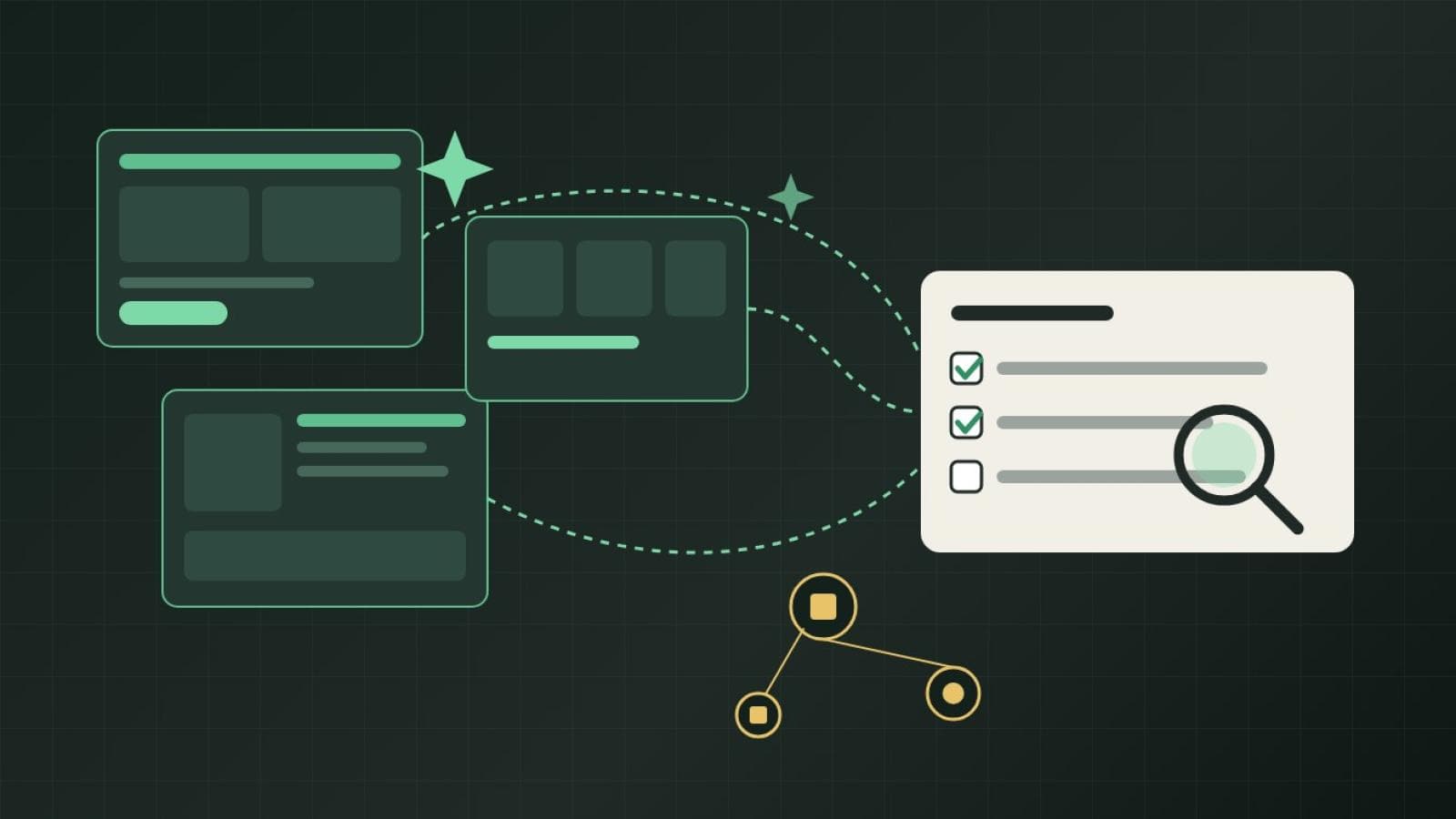
You'll see this launch described as "Shopify Canvas AI" in headlines and conversations. Shopify's own name is simply Canvas. In the October 1, 2026 announcement, Shopify describes it as a design surface that shows every page of a store together, so a merchant can pan across the whole store and zoom into details. I'd avoid implying "Canvas AI" is a formal product name.
The AI comes from Sidekick, Shopify's AI agent. Canvas is where merchants build with Sidekick. According to the announcement, Sidekick works directly on the theme's files, validates its code, checks screenshots of its changes, remembers earlier design decisions and asks questions as it works. Merchants can also click elements to edit them directly instead of using chat, and preview pages across products, collections and screen sizes.
The developer community post frames it the same way: a visual workspace where merchants either edit directly or describe a change and have Sidekick build it.
Launch limitations versus what is documented today
This matters because early commentary often mixes the two. Here is how I'd separate them, based on what I could read when I wrote this on October 22, 2026.
Status
Shopify itself calls Canvas early. In the announcement, Ben Sehl, Director of Product at Shopify, is quoted as saying, "We're early here and Canvas is not replacing the existing editor yet." The current Help Center page says Canvas is in early access and available only to certain stores.
What the current Help Center requirements page says
- Canvas is available on desktop only.
- Your plan must include theme customization.
- Only Shopify-developed and custom themes are supported; third-party themes aren't.
- Staff need the Online store > Themes > Edit code permission.
- Themes created or edited in Canvas open only in Canvas, don't receive theme updates, and can't be downloaded as theme files.
- You can't translate theme content in Canvas; Shopify points to the Translate & Adapt app.
- You can't customize a theme for different markets in Canvas.
- You can't manually add a new block to a template; you ask Sidekick to add it.
- You can't add or configure app blocks or app embeds in Canvas.
Those are on the requirements and considerations page.
Where the sources differ
Theme app extensions. At launch, the developer post said Canvas doesn't support them, that app blocks and embeds are unavailable in themes created or duplicated in Canvas, and that apps keep working in the online store editor and on existing themes. Shopify said it expects to add support before Canvas becomes the default editor. Staff later said in the same thread that they planned to support them "within the next few weeks." The thread I read didn't show a confirmed release through October 9, and the current Help Center page still says you can't add or configure app blocks or embeds. So as far as I can verify, this is still a present limitation, not only a launch one. It may change quickly.
Rollouts. The developer post at launch said Canvas didn't support Rollouts. The current Help Center page is more specific: you can add a Canvas-edited theme to a rollout as a replacement for your main theme, but you can't use the rollout to edit it. That looks like a partial improvement over the launch wording, though I'd treat the exact behavior as something to test on your own store.
Markets and Translations. The developer post said they weren't supported yet, and the current Help Center page still lists both as limitations.
Because this is moving fast, check the Help Center before you rely on anything above.
What Canvas can automate
I'd rather be fair about this, because it's the part that genuinely changes things. Based on Shopify's description, Canvas and Sidekick can handle everything from small section changes to store-wide redesigns, show results in real time, and let a merchant describe changes that aren't available in a block's settings. The Help Center also lists building a new theme from a description of your brand and trying changes on a copy of a theme.
For a simple store, that covers a lot of what people used to hire for:
- Rearranging sections and rewriting layout details on a straightforward catalog.
- Trying a different look on a duplicate theme before committing.
- Small visual tweaks that used to wait in a developer's queue for a week.
If a store has a few dozen products, no custom integrations, one market and a stock Shopify theme, I think many owners will reasonably try Canvas first. Some small jobs that were billable hours will likely become a few minutes of conversation. I don't think it's honest to pretend otherwise.
Where I expect specialist help to still matter
I want to be careful here. I'm not claiming Canvas can't do the things below. I haven't tested it, and Shopify hasn't said so. My point is narrower: these are areas where the outcome depends on context that sits outside the design surface, so a person still needs to own the decision.
Integrations and apps
Stores often depend on ERPs, inventory tools, subscriptions, reviews, loyalty and shipping apps. Today, Canvas can't add or configure app blocks, and Canvas-edited themes don't appear when an app lists a store's themes. Even once that is fixed, deciding which tool owns which data, and what happens when two systems disagree, is design work for someone who understands the business. I wrote more about that tradeoff in how I choose between an app integration and custom automation.
Complex merchandising
Large catalogs, bundles, variants, metafield-driven pages and different layouts per collection involve rules, not just appearance. An AI agent can build a section, but someone has to decide what the rule should be. If you're rethinking layouts, my earlier opinion piece on why I'm moving away from traditional Shopify homepage layouts covers the thinking.
Accessibility and performance
Shopify says Sidekick validates its code and checks screenshots of its changes. That's useful, but a screenshot check isn't the same as a keyboard, screen-reader and Core Web Vitals review. I'd still want a person to audit the result, especially after a store-wide redesign, because every generated change is another change to review.
Analytics and SEO migrations
Tracking setups, consent handling, redirects, URL structure and structured data are easy to disturb during a redesign. Nothing I read says Canvas handles or breaks these. They're simply the kind of thing where a miss costs you later, and where a checklist and an owner help.
Troubleshooting and maintenance
When something looks wrong on one browser, or a checkout behaves oddly, someone has to find the cause. Also, Canvas-edited themes don't receive theme updates, and you can't download their files. That changes the maintenance picture: if you diverge from the vendor's theme, you take on more of the upkeep yourself. That may suit some stores and not others.
DIY Canvas, developer help, or a hybrid
Here is how I'd compare the three, as a framework rather than a rule.
| Approach | Works best when | Main tradeoff |
|---|---|---|
| DIY with Canvas | Simple catalog, one market, a supported theme, and a low cost of small mistakes. | You own review, testing and accessibility checks; current gaps with apps, Markets and Translations may block you. |
| Developer-led | Custom integrations, complex catalog logic, multiple markets, or a migration where SEO and tracking can't slip. | More up-front planning and cost; you may not need that for simple changes. |
| Hybrid | You want Canvas for everyday design work and a specialist for the risky parts. | Needs clear boundaries so nobody overwrites the other's work. |
I think hybrid will be the most common outcome, but that is an expectation, not a measured trend. I'm deliberately not giving price ranges. They depend too much on scope for me to put numbers on without inventing them.
When hiring a developer makes sense, and when it may not
Hiring probably makes sense when
- Your store depends on apps or integrations that Canvas can't yet configure.
- You sell in multiple markets or languages and need market-specific themes or translations.
- You're migrating platforms or changing URL structures and can't afford to lose rankings.
- You use a third-party theme, which Canvas doesn't support.
- Accessibility or performance is a business or legal requirement.
- Something is broken and you don't know why.
It may be unnecessary when
- You want a cleaner layout on a simple store and your theme is supported.
- You're experimenting with a look on a duplicate theme and can discard it.
- The change is small, reversible and doesn't touch integrations.
- You have the time to review the result carefully yourself.
If you're hiring, the question I'd ask is less "can you build this?" and more "what will you check that the tool won't?" For examples of what that scope looks like, see my notes on the custom Shopify theme buying journey.
A practical checklist before you try Canvas
- Confirm your store has access; Shopify says Canvas is in early access for certain stores.
- Check your theme type. Third-party themes aren't supported.
- List the apps that add blocks or embeds to your theme, and confirm they're not required in the Canvas version.
- Check whether you sell in multiple markets or languages.
- Work on a duplicate theme, not your live one, and remember a duplicate is separated from the original.
- Note that Canvas-edited themes open only in Canvas and don't receive theme updates.
- Record your current analytics events, redirects and key page URLs before changing anything.
- Test on mobile, with a keyboard, and on a slow connection before publishing.
- Decide who reviews changes and who can roll them back.
- Re-read the Help Center page, since the limitations are changing.
FAQs
Is Canvas the same as Sidekick?
Not exactly. As Shopify describes it, Canvas is the design surface and Sidekick is the AI agent that builds within it.
Does Canvas replace the theme editor?
Not yet, according to Shopify. Canvas is optional, and themes you haven't created or edited in Canvas can still be customized in the theme editor.
Can I use my current apps in Canvas?
Per the current Help Center page, you can't add or configure app blocks or embeds in Canvas. Shopify has said it expects to add support, so check for updates.
Will this make developers unnecessary?
For some simple stores and simple changes, possibly. For stores with integrations, complex catalogs or migration risk, I expect specialist work to continue, but that's my judgment.
Should I wait before trying it?
If you have access and a supported theme, trying it on a duplicate theme is a low-risk way to learn what it does well.
My take
I don't think Canvas ends the Shopify developer role. I think it removes some of the easiest work and pushes the rest toward judgment: integrations, rules, quality checks and accountability. If you aren't sure where your store falls, a short conversation can sort that out. You can read about my Shopify theme customization services or get in touch, and nothing here requires you to hire anyone.
