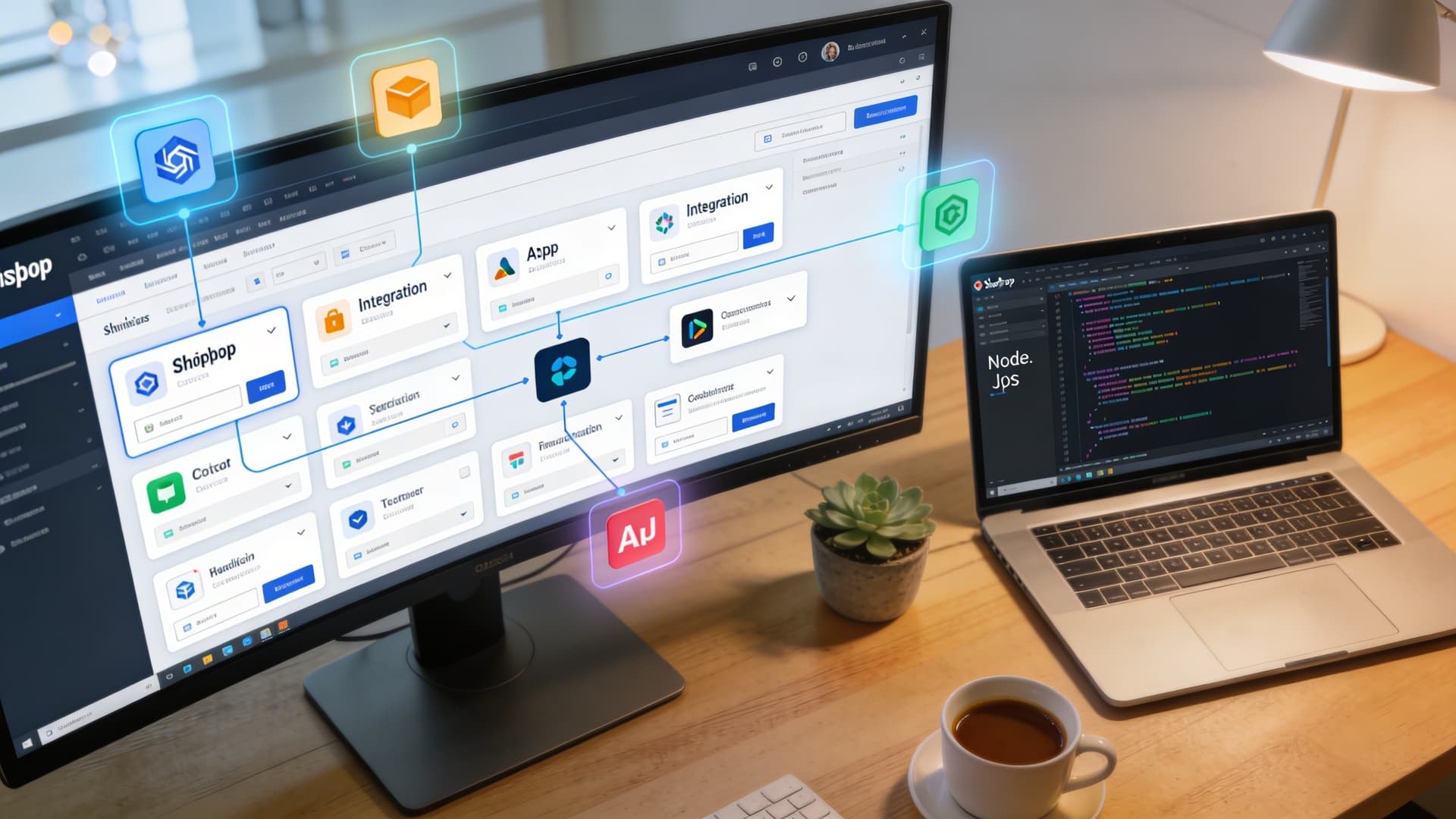
Connect Shopify with the CRM, ERP, WhatsApp, and reporting tools your team already uses — event-driven workflows that keep orders, customers, and follow-ups moving without manual work.
Trusted by 100+ Mumbai brands




Shopify Automation
Services
Connect Shopify with the CRM, ERP, WhatsApp, and reporting tools your team already uses — event-driven workflows that keep orders, customers, and follow-ups moving without manual work.
Trusted by 100+ Mumbai brands
Practical, Outcome-Focused Automation
Automation That Fits Your Existing Systems
Shopify runs the storefront — but the real operational work often happens in a CRM, an ERP, a spreadsheet, or a WhatsApp conversation. We build the connections that keep those systems working from the same order and customer data, automatically.
Every workflow is event-driven and tailored to the CRM, ERP, messaging, or reporting stack your business already relies on, confirmed with you during scoping.
How the automation is built
Workflows are triggered directly from Shopify's webhook and Admin API events — order placement, cart abandonment, inventory changes, and new customers all flow through cleanly.
Each automation runs the moment a relevant event happens in Shopify, so your team isn't relying on someone remembering to check, export, or forward information.
Order and customer information is transferred consistently across every connected system, reducing the mismatches that come from manual copying between tools.
Lead assignment, alert thresholds, and notification routing are built around custom workflow rules, with status visibility so your team can confirm each workflow ran as expected.
Automation Activities
Eight Ways We Connect Shopify to Your Business
Each workflow below is built as a custom rule around your existing systems and confirmed with you during scoping.
Orders, Inventory & Customer Data
Shopify Orders Transferred Into a CRM
Every new Shopify order is passed into your CRM automatically, keeping customer and order records in one place without manual re-entry.
Low-Inventory WhatsApp Alerts
When stock on a product falls below a set threshold, your team gets a WhatsApp alert so restocking decisions happen before you run out.
Abandoned-Cart Follow-Ups
Shoppers who leave items in their cart are followed up automatically, giving your team a consistent way to recover interest without manual tracking.
Customer Data Synced With Google Sheets
Customer details from Shopify are kept in sync with Google Sheets, making it easy for non-technical team members to view and work with the data they need.
Sales, Service & Fulfilment
Orders Sent to an ERP
Order information flows from Shopify into your ERP system, keeping finance, fulfilment, and inventory teams working from the same data.
Lead Assignment to Sales Representatives
Incoming leads and enquiries generated through Shopify are routed to the right sales representative automatically, based on rules you define.
WhatsApp Customer-Service Handoffs
Customer conversations can be handed off to your support team on WhatsApp at the right moment, keeping service responsive without manual monitoring.
Automated Invoices or Delivery Updates
Invoices and delivery status updates are generated and sent automatically as orders progress, keeping customers informed without extra manual work.
Automation Flow
From Shopify Event to Business Action
A clear, event-driven path from what happens in Shopify to what your team and customers see next.
- 01
Step 1
Shopify Event
A new order, an abandoned cart, a low-stock threshold, or a new customer triggers a webhook or Admin API event from Shopify.
- 02
Step 2
Automation Rules
Custom workflow rules decide what happens next — which system gets updated, which team member is notified, and in what format.
- 03
Step 3
Connected Business Systems
Data flows consistently into your CRM, ERP, Google Sheets, or messaging tools, tailored to the stack your business already runs on.
- 04
Step 4
Team or Customer Action
Sales reps get assigned leads, support teams get WhatsApp handoffs, and customers get timely invoices or delivery updates.
SCOPE OF WORK
What's Included in a Shopify Automation Build
A tailored set of integrations and workflows, scoped to the systems your business already runs on.
Order & Inventory Sync
- Shopify orders transferred into your CRM
- Shopify orders sent to your ERP
- Low-inventory WhatsApp alerts
- Consistent transfer of order and customer information
Customer Engagement
- Abandoned-cart follow-ups
- Customer data synced with Google Sheets
- WhatsApp customer-service handoffs
- Automated invoices or delivery updates
Sales & Team Workflows
- Lead assignment to sales representatives
- Team notifications for key events
- Operational handoffs between systems and people
- Custom workflow rules matched to your process
Integration Foundations
- Shopify webhook and Admin API integrations
- Event-driven workflow architecture
- Status visibility for every automated workflow
- Maintainable integrations built for your specific stack
FAQs
Shopify Automation — Frequently Asked Questions
Everything you need to know about connecting Shopify to your CRM, ERP, and messaging tools.
Still deciding what to automate first? Contact us to talk through your workflow.
We build the connection to fit the CRM, ERP, messaging, or reporting stack your business already uses. The specific systems and data fields are confirmed with you during scoping, so the integration matches how your team actually works.
Automations are event-driven, using Shopify's webhook and Admin API integrations. When an order is placed, a cart is abandoned, or stock crosses a threshold, that event triggers the relevant workflow — there's no manual step required to keep things moving.
Yes. Lead assignment logic, low-inventory thresholds, follow-up timing, and notification routing are all built as custom workflow rules around your specific business process, not a fixed one-size-fits-all setup.
Each workflow is built with status visibility, so your team can see whether an order sync, alert, or follow-up completed as expected. Workflows are also built to be maintainable, so adjusting a rule later is straightforward.
No storefront changes are required. These automations work through Shopify's webhook and Admin API integrations in the background, keeping order and customer information consistent across the systems your team relies on.
START WITH YOUR WORKFLOW
Connect Shopify to the Rest of Your Business
Tell us which systems your team already uses — CRM, ERP, WhatsApp, Google Sheets, or invoicing — and which of the eight workflows above matter most to you first.
We'll scope automation rules that fit how your business actually operates, not a generic template.

No spam. No obligation.